


Your family's cookbook, online.

Save the recipes you actually cook, plan weekly menus with automatic rotation, and generate a grocery list in seconds. Start with well-known dishes or add your own recipes from a link, a photo or plain text.

My recipes
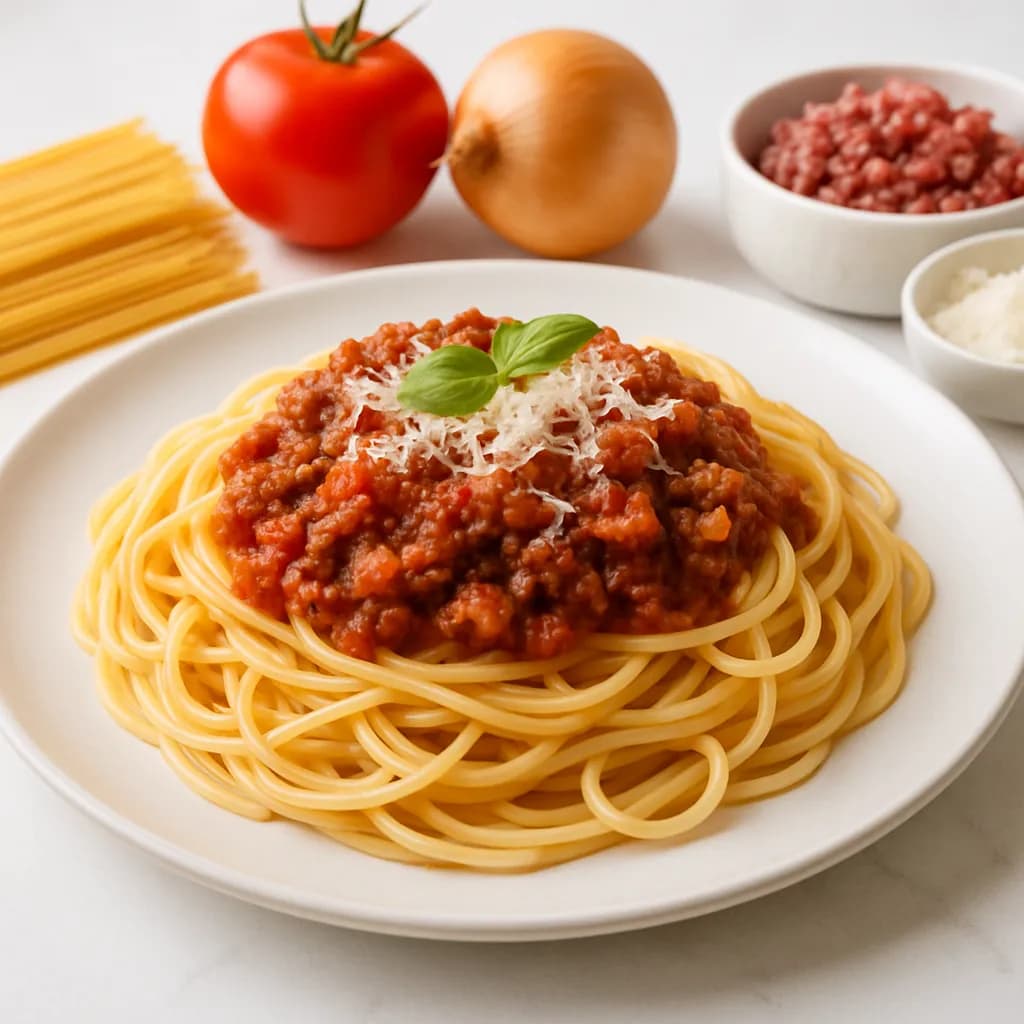
Spaghetti bolognese17d ago

Spaghetti bolognese

PastaMeat
Chicken curry12d ago

Chicken curry

MeatVegetables
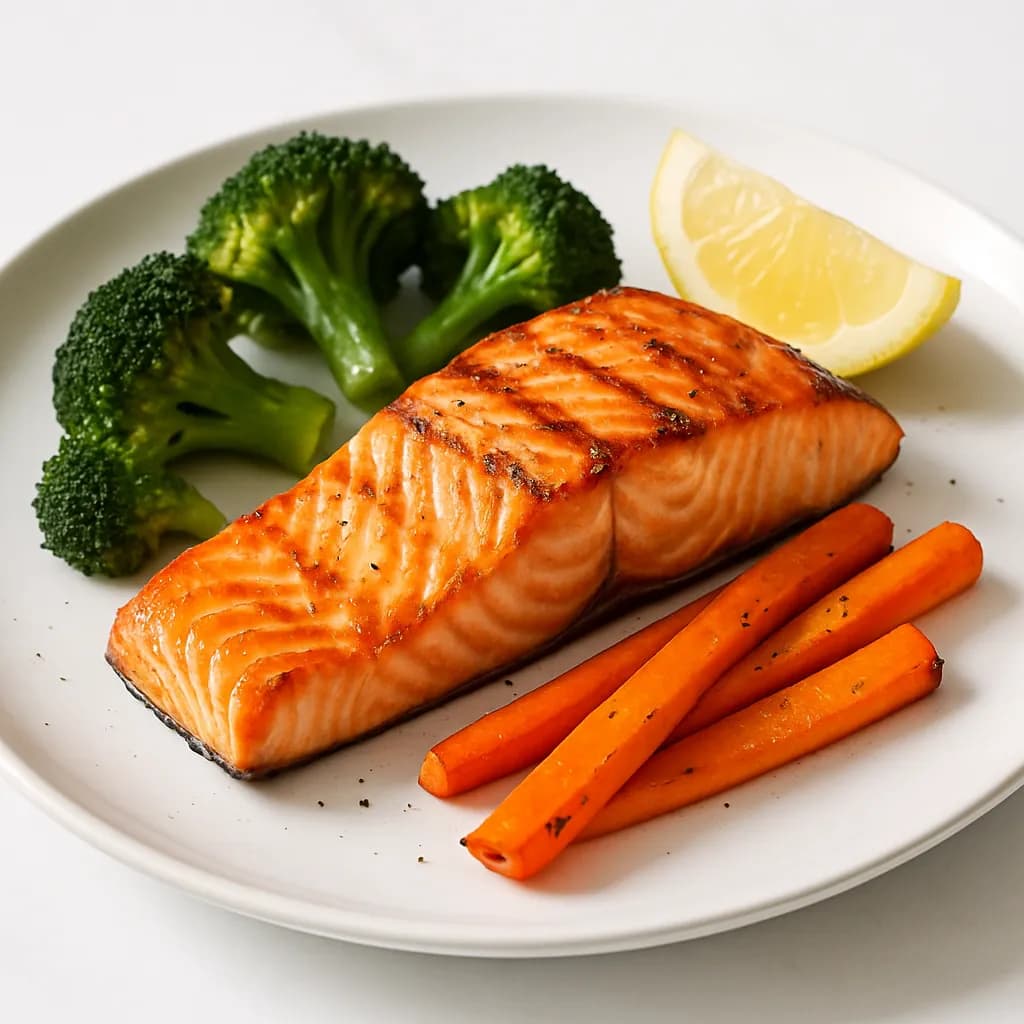
Salmon with veggies43d ago

Salmon with veggies

FishVegetables
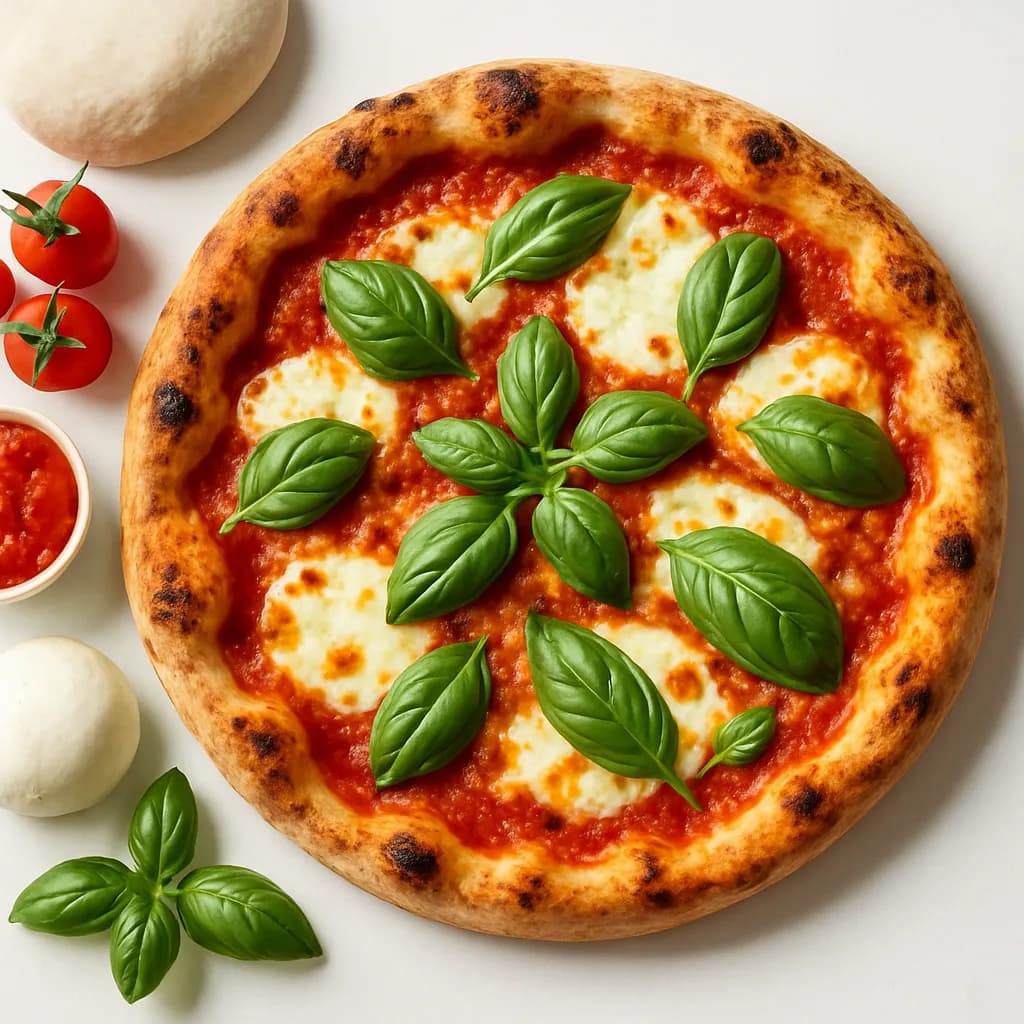
Pizza margherita178d ago

Pizza margherita

DoughVegetarian
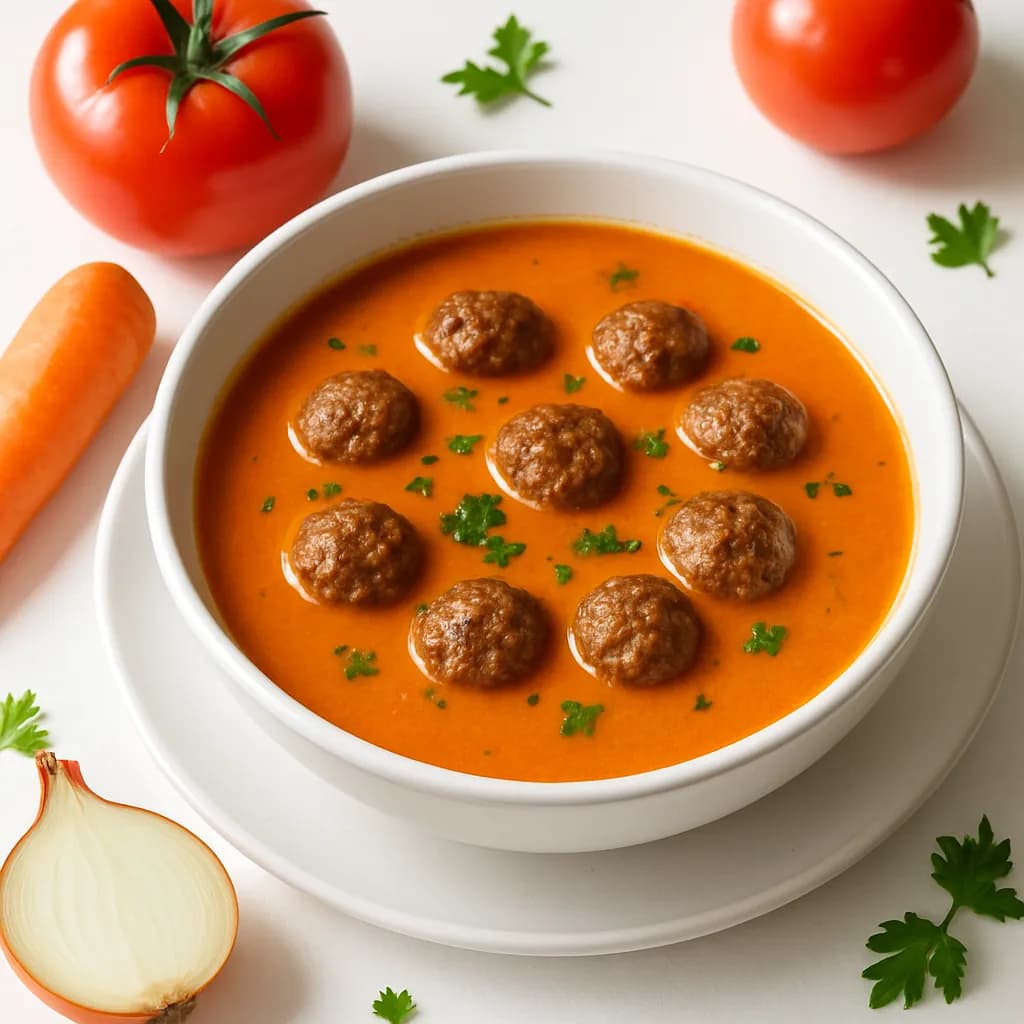
Tomato soup with meatballs313d ago

Tomato soup with meatballs

MeatVegetables
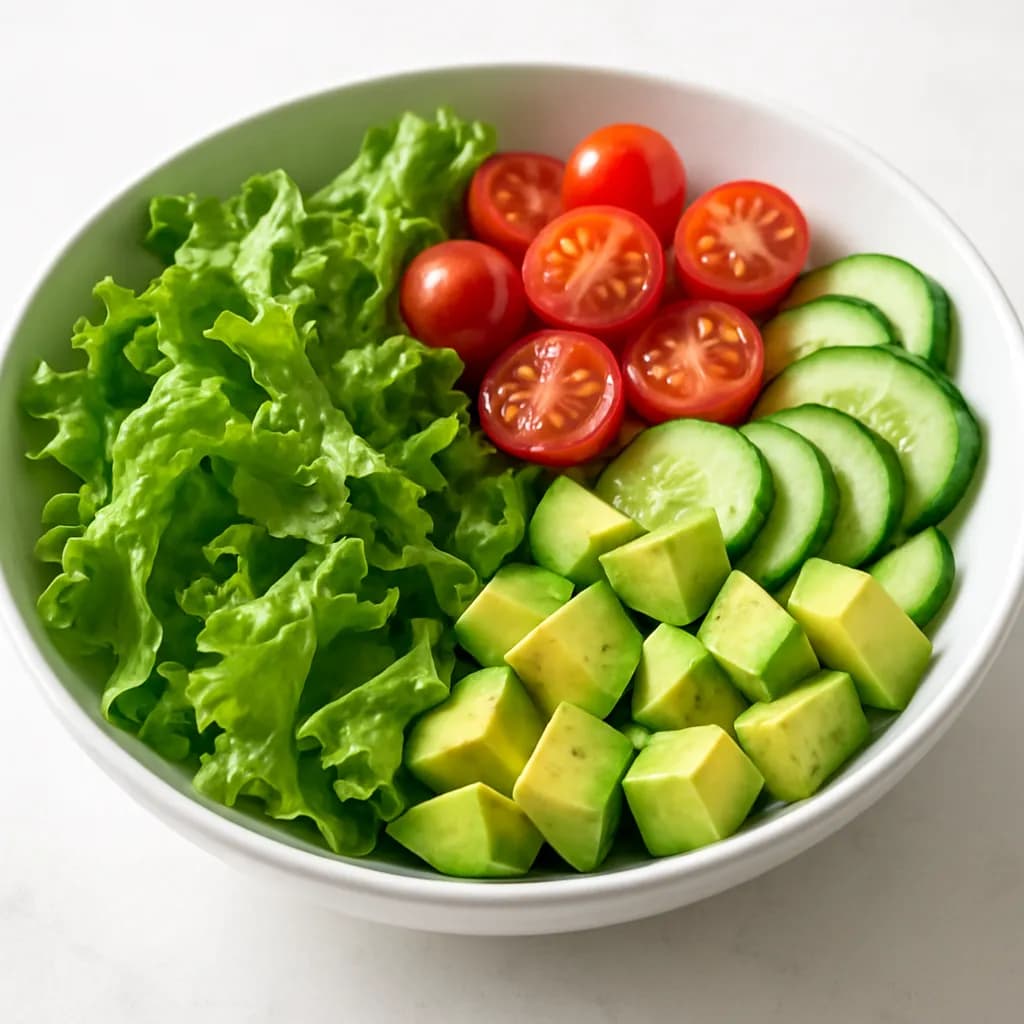
Salad bowl9d ago

Salad bowl

VegetablesVegetarian
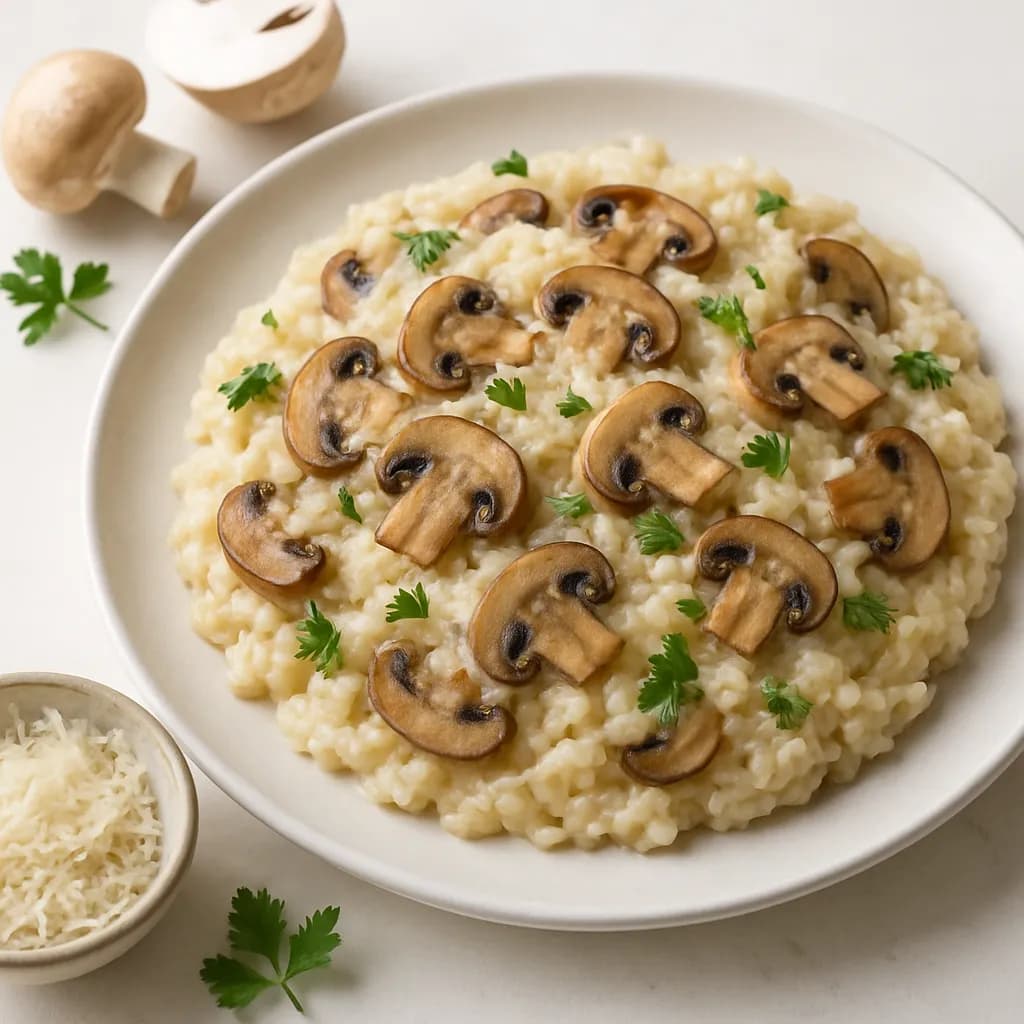
Mushroom risotto140d ago

Mushroom risotto

GrainsVegetarian
Burger & fries622d ago

Burger & fries

MeatPotatoes
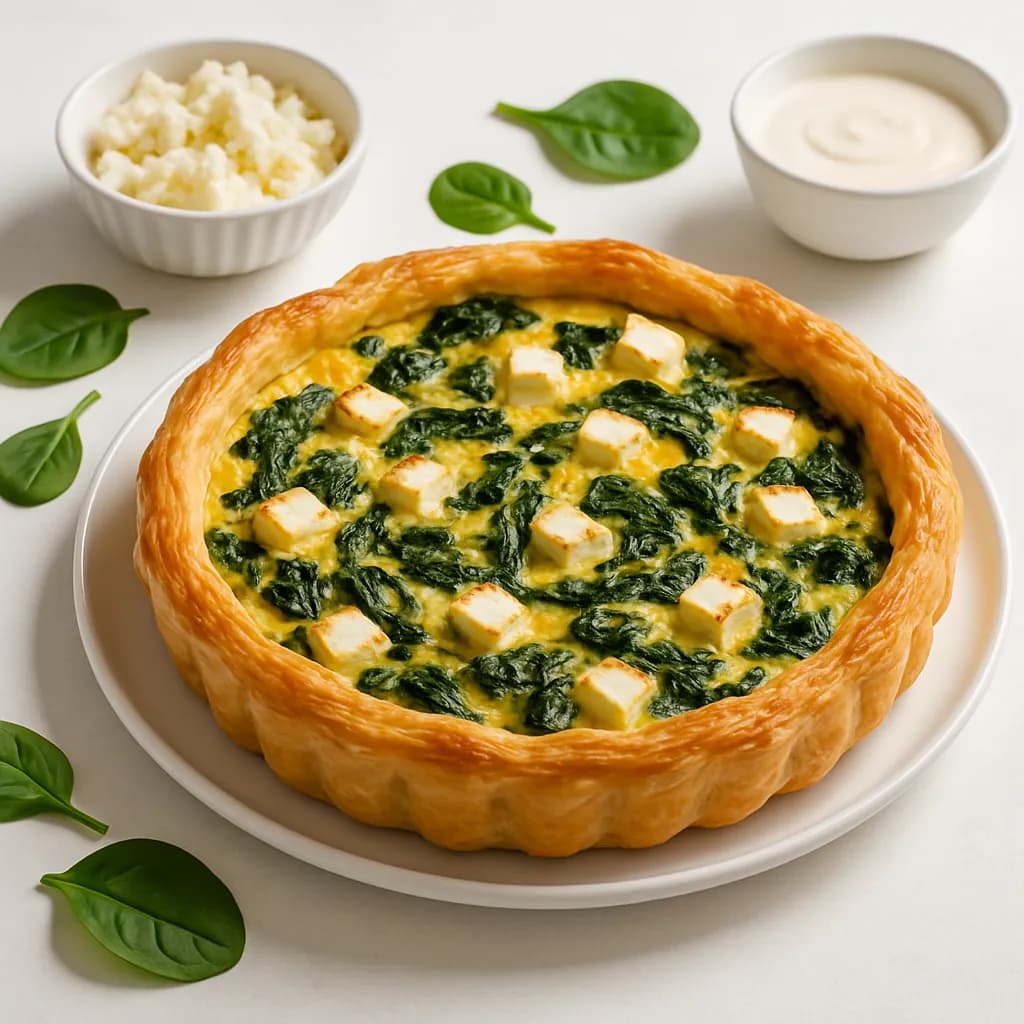
Spinach quiche88d ago

Spinach quiche

DoughVegetarian
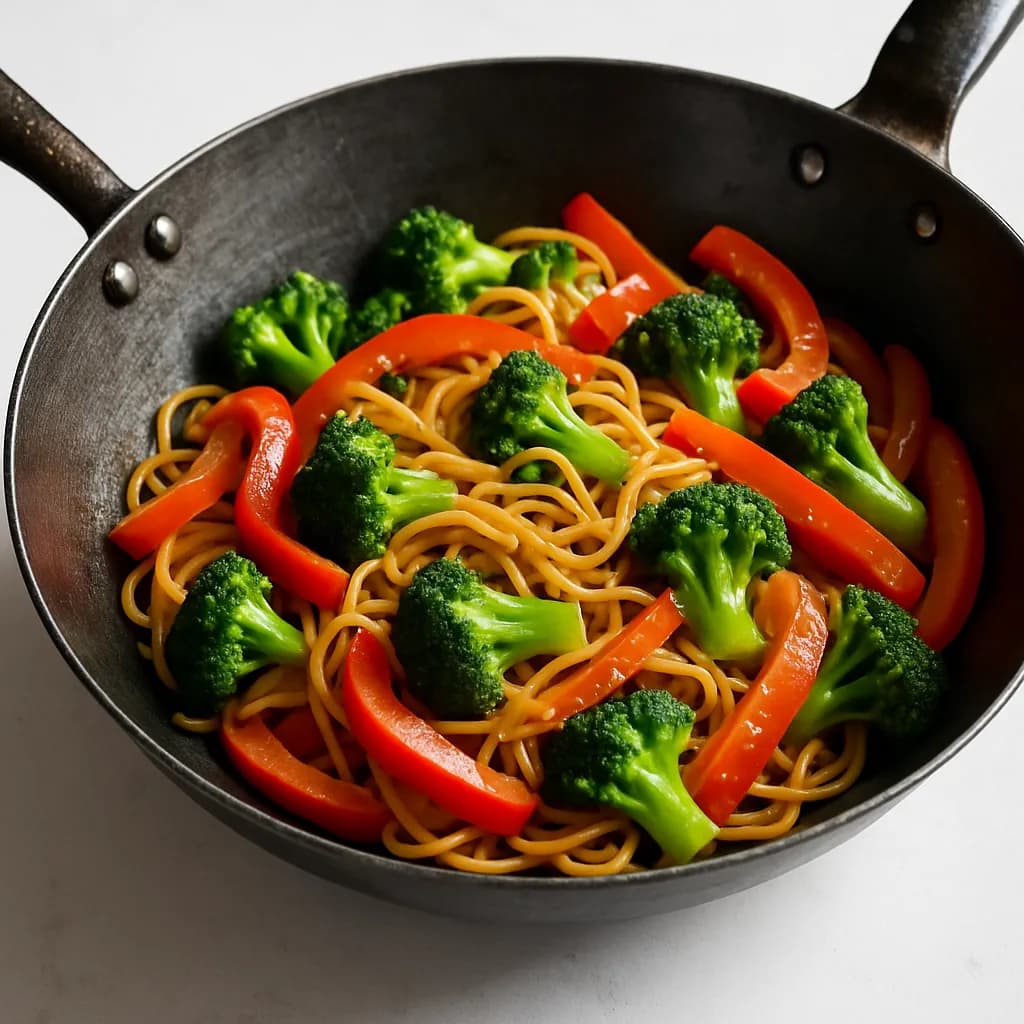
Veggie stir-fry20d ago

Veggie stir-fry

WokVegetables
Pancakes5d ago

Pancakes

Dough
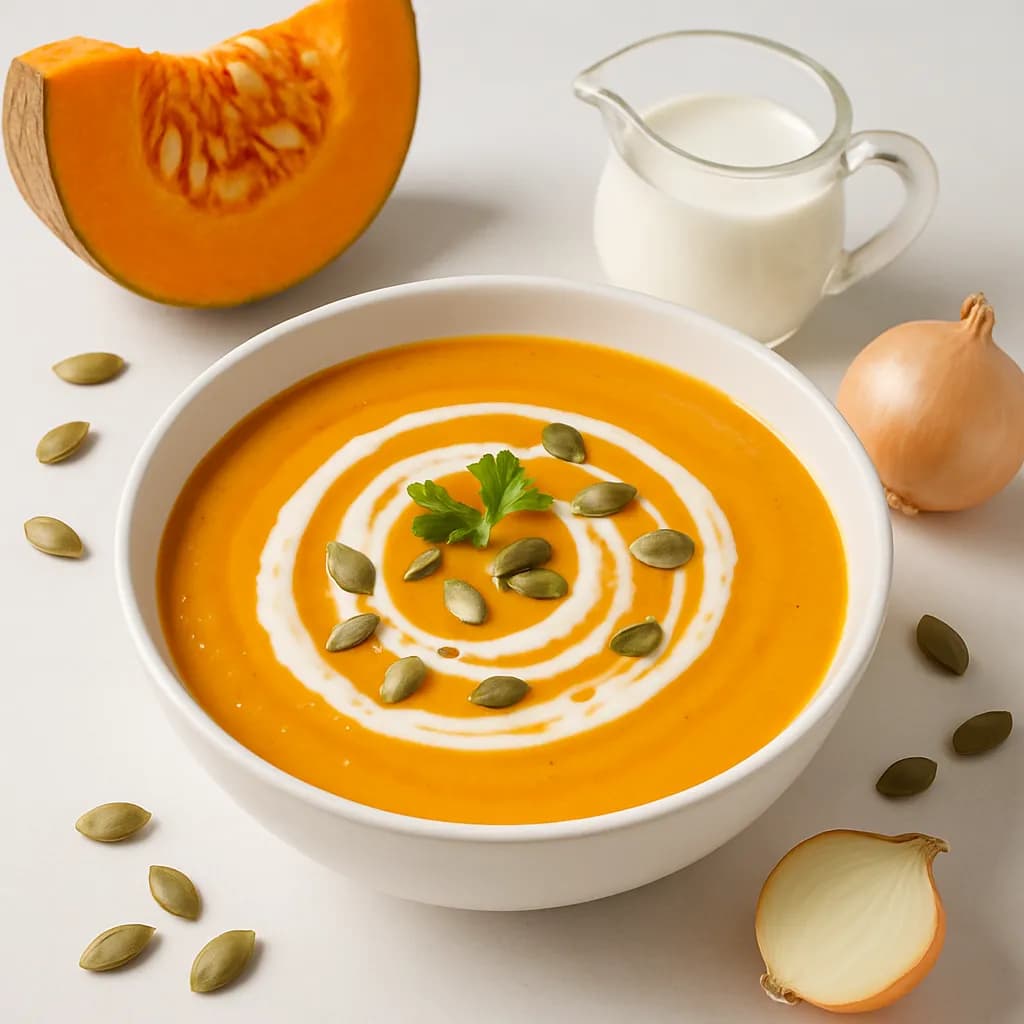
Pumpkin soup669d ago

Pumpkin soup

VegetablesVegetarian

Everything Your Family's Cookbook Needs

Build your library, plan with rotation, shop smarter

Your Private Recipe Library

Save the recipes you actually cook. Star your family favorites. Yours forever, never shared, never indexed by search engines.

Start Right Away, Even Without Recipes

Pick from about thirty well-known dishes, from Belgian classics to pasta and veggie, and your first week is ready. Is your dish not there? Type its name and we write the recipe.

Add Recipes Any Way

Paste a link from any cooking site and AI extracts the ingredients, steps, photo and cook time. Or take a photo of a cookbook page or recipe card, paste the text from a message, or type the recipe in yourself.

Smart Weekly Rotation

MealPlanner records the date each recipe was last in your menu and surfaces the ones you haven't cooked in the longest time first. Fill the empty days in one tap, and your favorites rotate naturally.

Auto Grocery Lists

Your weekly menu becomes a grocery list with amounts, grouped by supermarket aisle. In the store, tap what's in your cart. Print or export it too.

Smart Pantry

Scan your receipt or your groceries and your pantry is filled in, with expiration dates. What needs using first sits at the top, with recipe ideas to use it up. Less waste, less wasted money.

Recipe Photos

Add a beautiful photo to every recipe in seconds with AI. Upload your own, or generate one if you don't have a picture handy.

On Your Phone, No App Store

MealPlanner works in your browser and goes on your home screen in a few taps, so it opens like an app. On Android, share a recipe straight from Chrome or Instagram.

1

Build Your Library

Start with well-known dishes, paste a link from any cooking site, take a photo of a recipe or type it yourself. Star your family favorites.

2

Plan a Varied Menu

Pick the week's recipes from your library. The app puts the dishes you cooked longest ago at the top, and fills the empty days if you like.

3

Shop Smarter

Your menu becomes a grocery list automatically, grouped by supermarket aisle. Sync with your pantry to skip what you already have.

How It Works

From library to grocery store in 3 simple steps

Frequently Asked Questions

Everything you need to know about MealPlanner

What is MealPlanner?

MealPlanner is a free app to build your family's digital cookbook. Start with about thirty well-known dishes or save the recipes you actually cook, from a link, a photo or plain text. Plan a weekly menu with automatic rotation that surfaces the recipes you haven't cooked in the longest time, and turn that menu into a grocery list grouped by supermarket aisle. Built for Belgian, Dutch, and French households.

I haven't collected any recipes yet. Can I still start?

Yes. At the start you pick from about thirty well-known dishes, from Belgian classics to pasta, fish and vegetarian, and they land in your cookbook straight away with ingredients and steps. Is your dish not there? Type its name and we write the recipe. You adjust everything afterwards to how you make it, and add your own recipes whenever you like.

Is MealPlanner really free?

Yes. MealPlanner is free for personal use: no credit card, no trial that runs out, no hidden costs. Your recipes, weekly menus and grocery lists are and stay free and unlimited.

Can I import recipes from any website?

Yes. Paste a recipe URL and our AI automatically extracts the title, ingredients, cooking steps, photos, and cook time. Works with most recipe sites worldwide, including Belgian and Dutch food blogs. You can also add recipes manually if you want — your library, your way.

Can I add a recipe from a cookbook or a photo?

Yes. Take a photo of a recipe from a cookbook, a recipe card or a screenshot, up to three photos per recipe. MealPlanner reads the title, the ingredients and the steps. You can also just paste the text of a recipe, for example from a message or a note.

Are my recipes and data private?

Yes. Your recipes, menus, and grocery lists are private by default and only visible when you're logged in. Pages under /app are blocked from search engines via robots.txt and X-Robots-Tag headers. We use encryption in transit and at rest. We never sell your data and only share it with the service providers that run the app, such as our hosting and the AI that imports recipes.

Ready to plan from your own recipes?

Free, no credit card. Build your family's recipe library in minutes.

Have questions? Read the FAQ →